
FOR SCHOOLS & SAFEGUARDING LEADS
Short, expert-led videos and practical guidance your school can share through Seesaw, newsletters, your website and social media
A whole school ecosystem teachers, parents and students working together across every device.
THE CHALLENGE
Parents need support. School staff are already busy.
01
Digital life changes fast
AI, gaming, social media and new platform features keep changing.
02
Schools are often asked for guidance
Parents look to schools for trusted information.
03
Creating content takes time
Researching, writing and producing parent guidance adds more work for staff.
OUR SOLUTION
Short, ready-to-share video & guide briefings covering the digital issues families are dealing with now.
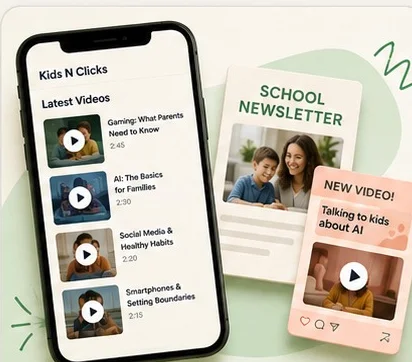
Short videos on gaming, AI, social media, smartphones and digital wellbeing.
Use on:
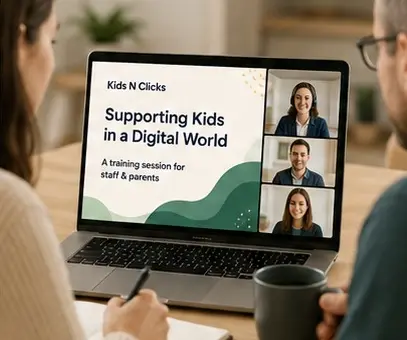
Training program for staff & parents
Each video comes with short text your school can copy and paste.
Included:
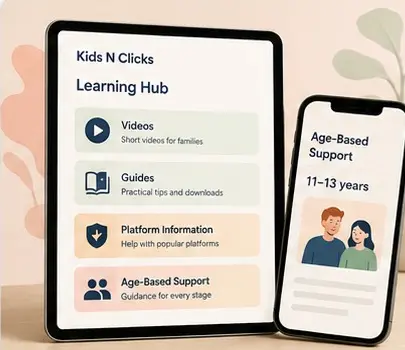
Learning Hub
Families can access more guidance when they need it.
Includes:
Why A Programme, Not Just A Session
Schools can offer excellent online safety support, but it only works if parents actually see it.
Traditional Parent Engagement
Kids N Clicks Whole-School Programme
READY TO SHARE
Short, expert-led briefings your school can share with staff and parents through Seesaw, newsletters, your website and social media.
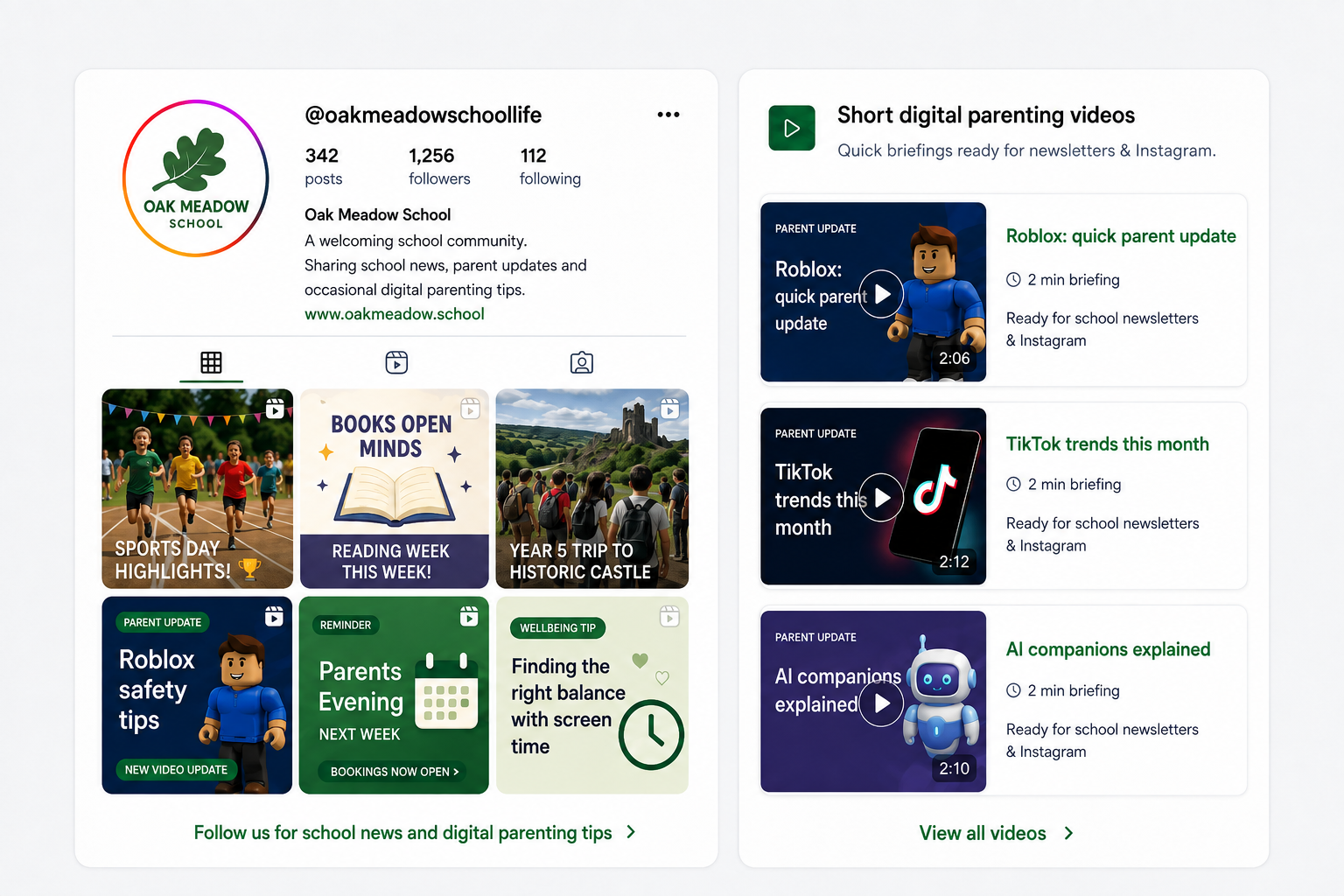
Trusted digital parenting guidance.
Videos and supporting copy supplied.
No researching, scripting or filming.
Always current.
More support when parents need it.
Beyond The Classroom
Digital safeguarding works best when schools and families share consistent messages. That’s why every programme extends support directly to parents , so what’s taught in school keeps being reinforced at home.
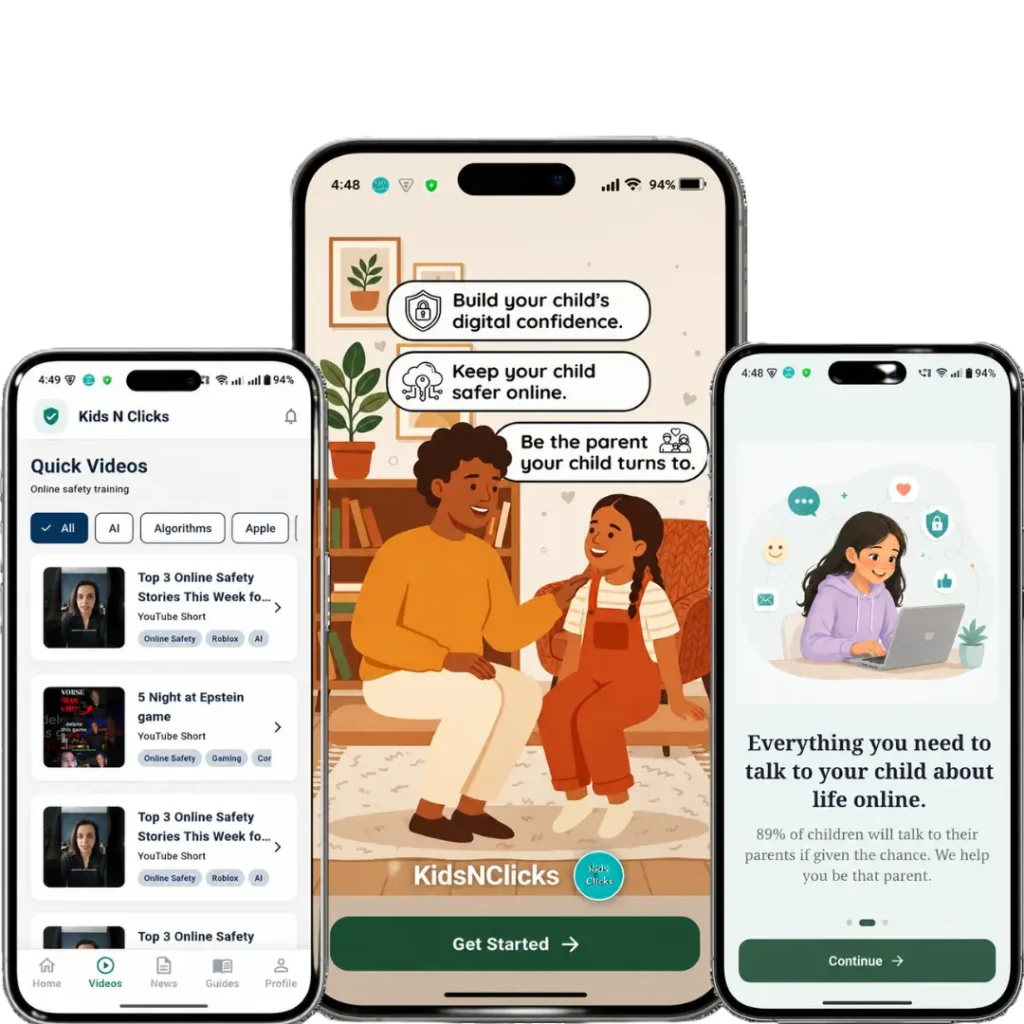
The Platform
Schools receive access to an online learning hub providing year-round digital safeguarding resources for staff, parents and safeguarding leads
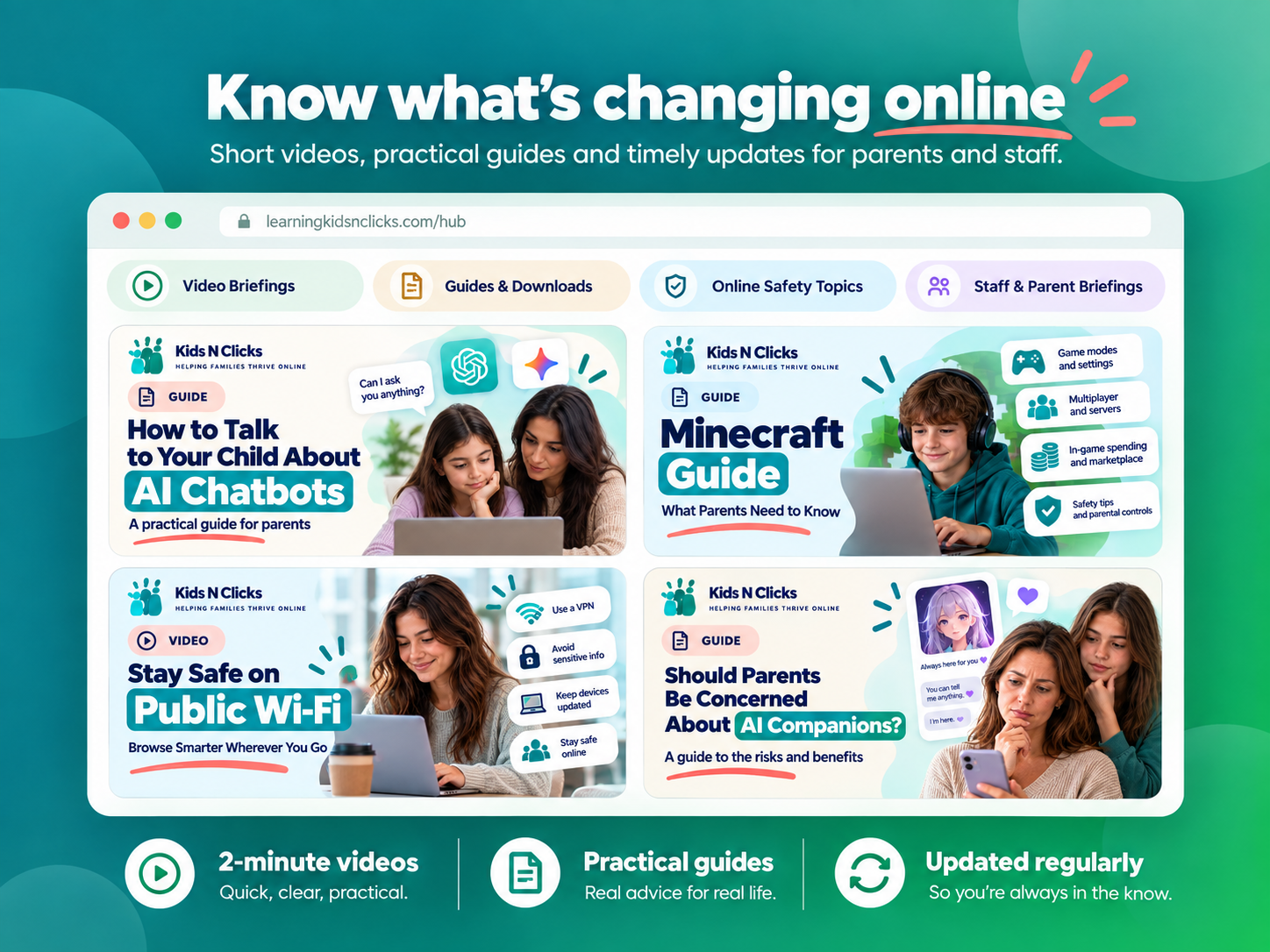
Videos
Bite-size, practical videos covering AI, social media, gaming and emerging online risks.
Downloadable Guides
Conversation starters, posters and classroom ready materials whenever you need them.
Monthly Updates
Regular content so your school always stays ahead of the latest safeguarding trends.
Trusted Resources
Vetted guidance and signposting your staff can rely on when questions arise.
AI Help Assistant
Staff and parents can ask about any app, game or tricky situation and get clear, trusted guidance in plain language , no searching required.
Searchable Resource Library
Every guide, video and update is organised by age group and topic, so the right resource is always easy to find.
Webinar Recordings
Every live session is recorded and added to the hub, so staff and parents who couldn’t attend never miss out .
See It Before You Book
No pressure to buy blind request a sample clip and a real resource from inside the Learning Hub.
Watch: How to Spot AI Scams Before They Fool Your Family
Learn how AI-powered scams work, including fake emails, suspicious messages, and urgent requests. This short video helps parents, teachers, and children recognize warning signs and stay safe online.
Watch: Understanding Social Media Algorithms
Discover how social media algorithms decide what appears in your feed. This easy-to-follow video explains the basics for parents and children, helping families make smarter and safer choices online.
WHY IT MATTERS
Give families & staff regular, practical guidance while showing that your school is proactive, informed and supporting parents beyond the classroom.
Parent Engagement
Staff Awareness
Digital Wellbeing
Whole-School Support
Safeguarding Culture
Build Parent Trust
Share clear, expert guidance on the digital issues families are dealing with now.
Show Proactive Support
Demonstrate that your school is actively helping families navigate gaming, AI, social media and smartphones.
Keep Messaging Consistent
Give parents clear, reliable information that supports the messages your school already gives pupils.
Strengthen Your School Community
Useful digital parenting support can help families feel more connected, informed and supported by the school.
Why Schools Choose Kids N Clicks
Kids N Clicks is led by digital parenting expert Parven Kaur a multi-award-winning online safety advocate whose work has been featured across national media.
Trusted By





Parents & families educated
How Schools Work With Us
1
Book a discovery call
A short, no obligation call to understand your school’s context, age range and current safeguarding priorities.
2
Choose the right support
3
Launch & go live
Testimonials
“Parven’s passion for online safety was, as a long-time employee of one of the largest UK banks, both eye opening and jaw dropping , I never knew I didn’t know so much.”
Former Lloyds Banking Group
“She has a unique ability to break down complex online safety topics into relatable, actionable insights. I walked away with practical tools and a renewed sense of confidence.”
Edinburgh SASIG Event
“Parven’s presentations are excellent: compelling, informative and cautionary, delivered with calm authority. The work Kids N Clicks does to help parents protect their children is hugely important.”
Vice Chairman, SASIG Events
Frequently Asked Questions
Digital Parenting Briefings are intentionally short and designed to give parents the important information without overwhelming them.
Your school can use them through newsletters, Seesaw, parent emails, your website and approved school social media channels.
Topics include social media, Roblox and gaming, AI, AI companions, smartphones, scams, online relationships, influencer culture and emerging digital trends.
Briefings are provided once a month regularly throughout the school year, helping your school maintain consistent digital parenting communication rather than relying on a single annual online safety event.
No. Digital parenting changes quickly, so topics can respond to new apps, platform changes, online trends and issues families are experiencing.
Yes. Each briefing includes ready-written supporting copy that can be adapted for your newsletter, social media or parent communication.
Yes. Schools can separately book specialist workshops and training on topics including social media, AI and safer gaming.
Yes, by joining the Digital Parenting Briefing Program all parents and staff get access to the Learning Hub
Let's Talk
Book a no-obligation discovery call, or download the brochure to share with your leadership team.