Roblox phishing scams can start with a promise of free Robux and end with a stolen account. A new report from Danish broadcaster TV 2 describes fake login pages built to look like Roblox. It is a useful reminder that parental controls and account security do different jobs.
In case you haven’t watched it, my October Digital Parenting Rundown covers recent online safety stories for parents and teachers.
What did the Roblox phishing scams report find?
TV 2 reported on 31 October 2026 that scammers can subscribe to services that generate Roblox-lookalike websites. Players are encouraged to sign in, giving the attacker information that can be used to access their account and its contents.
The underlying investigation was carried out by cybersecurity company NordVPN. This is vendor research reported by TV 2, not a measure of how many children have lost accounts.
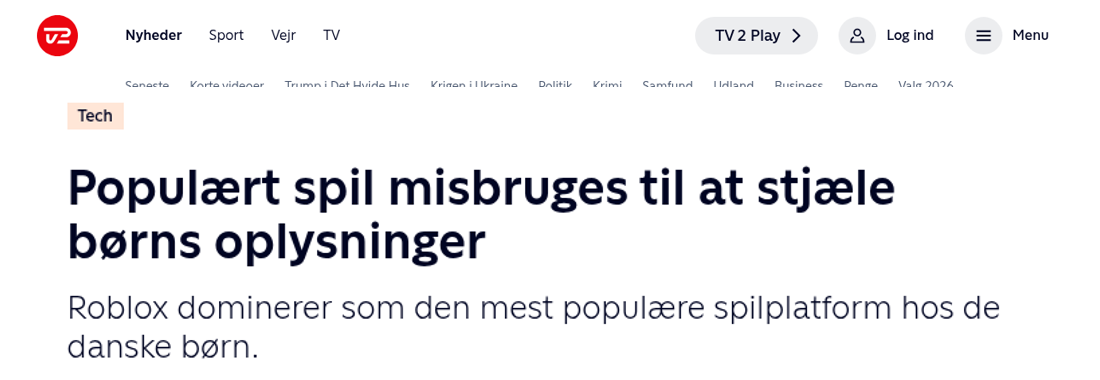
Read TV 2’s report on fake Roblox websites. Its Danish headline translates as “Popular game misused to steal children’s information”.
How does the scam work?
A message, video or website offers a reward. The child follows a link and sees a page that looks familiar. The page asks them to log in or supply a security code. The reward is the bait; their account is the target.
A familiar logo does not prove a page is genuine. Even a link sent by a friend needs checking, because their account could have been taken over too.
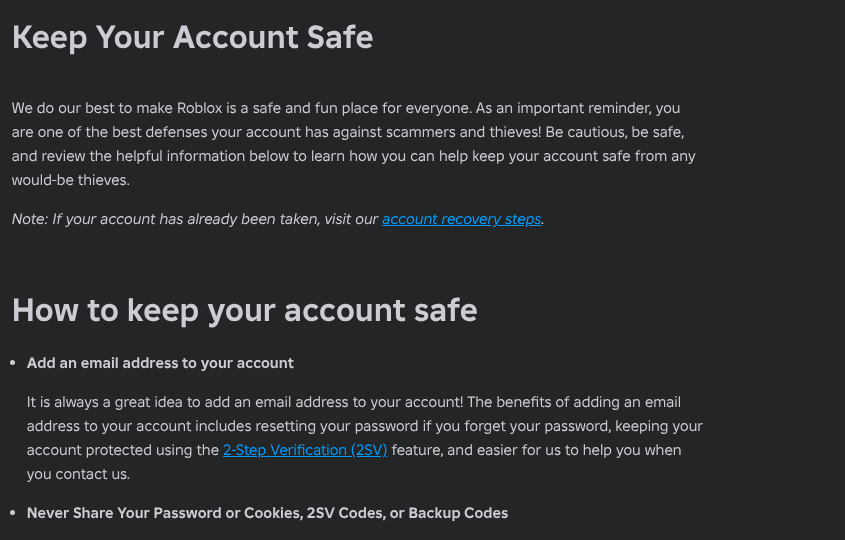
Roblox warns against free-Robux generators and offers that ask for account details. Never share passwords, browser cookies, verification codes or backup codes. Roblox staff will not ask for those details.
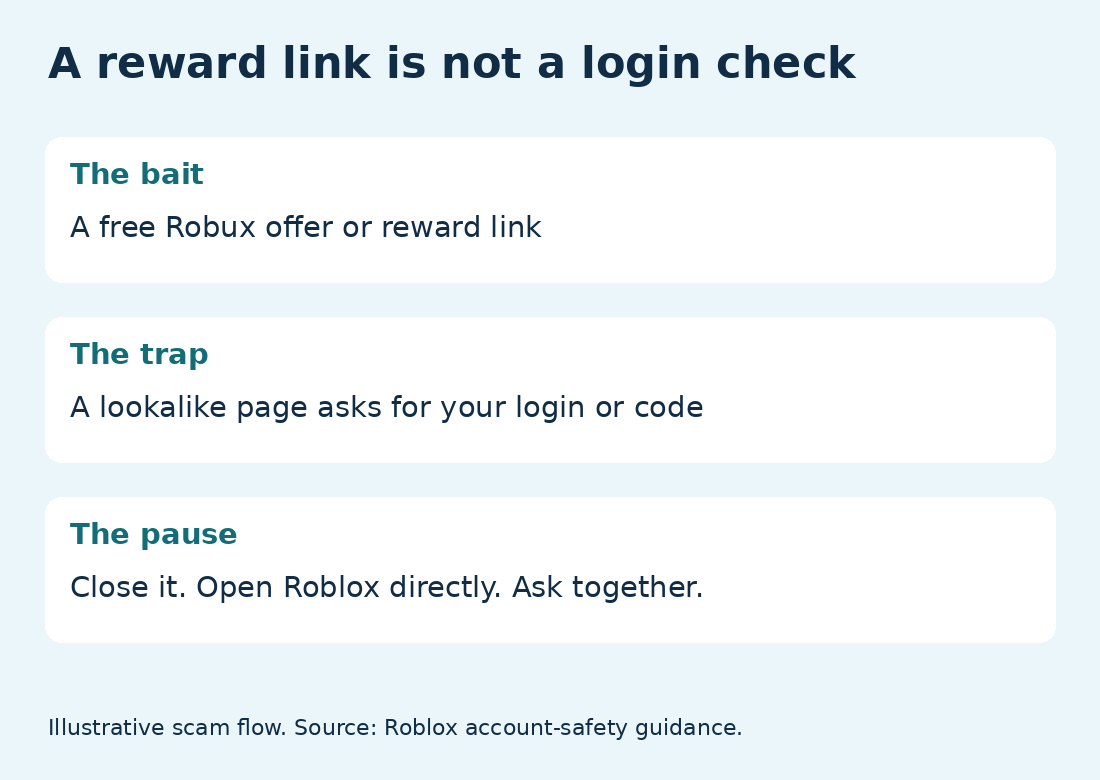
My scam explainer is a starting point for a conversation together:
What other Roblox dangers are in the news?
Phishing is separate from harmful content and unwanted contact inside games. In a BBC report published in March 2026, an independent Roblox developer raised concerns about children encountering harmful games and being encouraged to move conversations off the platform.
Those are reported concerns, not evidence that every game or interaction is harmful. Roblox told the BBC it takes action against rule-breaking and uses age checks and behaviour monitoring to limit contact between children and adults.
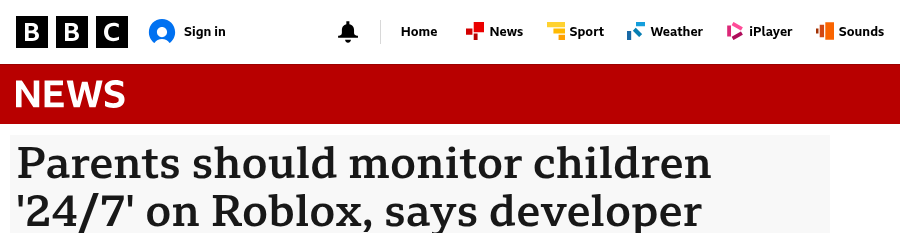
In April, the BBC also reported parents’ concerns about age checks misclassifying children. Roblox defended its checks and acknowledged that mistakes can occur. These reports explain why it is worth checking the age and settings on your child’s actual account rather than assuming the defaults fit.
BBC: developer raises Roblox safety concerns · BBC: parents question Roblox age checks
Which Roblox parental controls should you check?
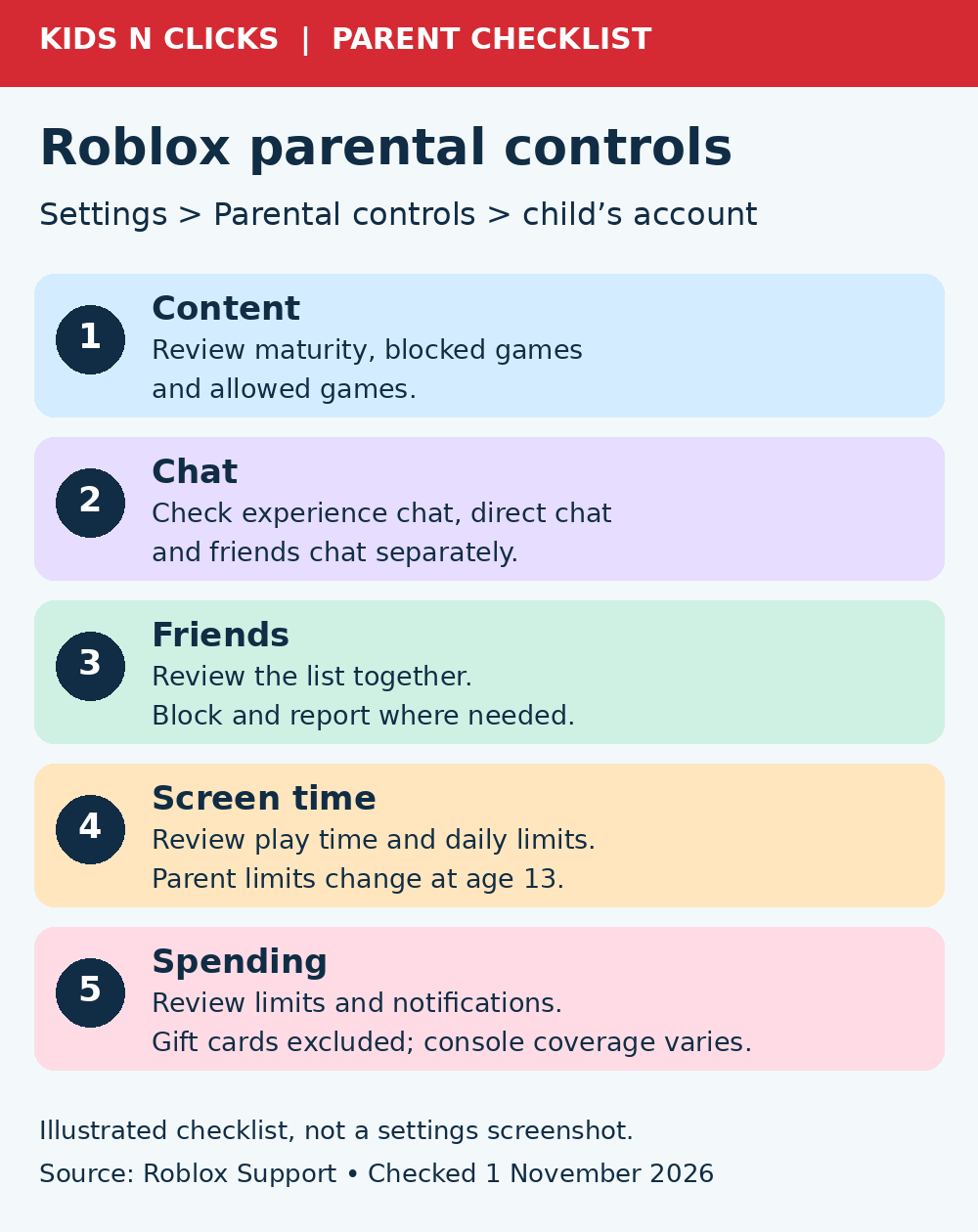
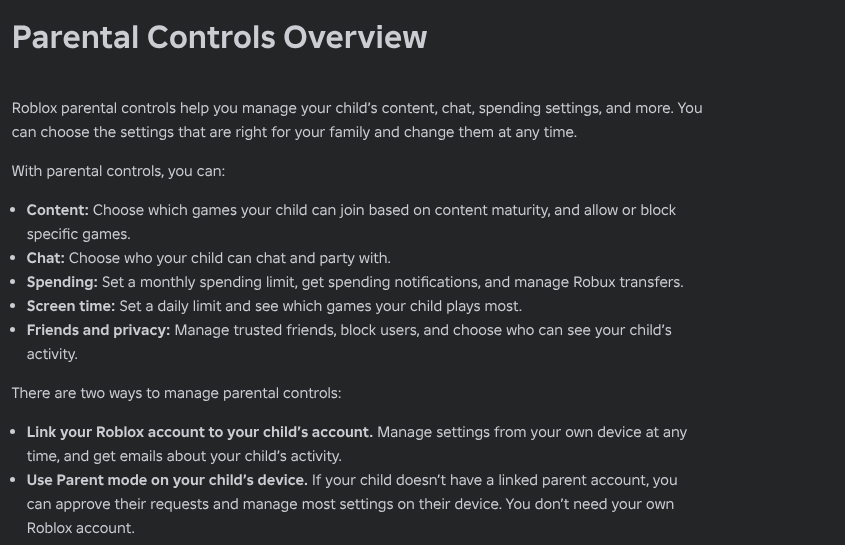
Link your own parent account to your child’s account. Then open Settings > Parental controls > your child’s account and scroll to Settings you manage. Roblox also offers Parent mode on the child’s device, but real-time alerts such as spending notifications need a linked parent account.
- Content restrictions: review Content maturity, Blocked games and Allowed games. Check the games your child actually wants to play, not only their labels.
- Communication: review Experience chat and Direct chat separately. Also check Chat and party with friends and Friends chat. Turn off the options your family does not want enabled.
- Friends: look at the list together. Ask who each person is and how your child knows them. Use the block and report tools where needed.
- Screen time: choose a limit that fits your family. Available parent controls change with age; from thirteen, children manage their own screen-time limits.
- Spending: set a monthly limit where available and enable spending notifications. Gift-card redemptions sit outside the limit, it may not apply on some consoles, and spending limits stop applying from thirteen.
These are the current setting names in Roblox’s parental-controls guide. Options depend on age and account eligibility. Chat switches do not cover chat features added by a game creator, and no Roblox setting controls a separate fake website.
For a fuller walkthrough, read my Roblox parental controls guide. My Roblox video below discusses the wider decision about allowing the platform; use the current instructions above for today’s settings.
How can you protect the account itself?
Use the official app or open Roblox directly rather than following a reward link. Add your own or a parent’s verified email for account recovery, use a unique password and enable two-step verification under Settings > Security. Keep recovery methods safe and accessible.
Explain that a login code is a key, not a prize claim. Do not paste browser cookies, run scripts or install extensions that promise Robux. If something looks exciting or urgent, pause and check it together first.
What if your child already entered their details?
Start calmly: “Thank you for telling me. Let’s sort it out together.” Ask what they entered and whether they installed anything. Do not follow the scammer’s recovery instructions or pay someone claiming they can retrieve the account.
Roblox advises removing unsafe downloads or extensions, checking the device for malware, resetting the password and enabling two-step verification. If access is lost, contact Roblox Support using the original account or billing email where possible. Recovery and the return of lost items are not guaranteed.
Report the scam message or account using Report Abuse. For the full recovery process, use Roblox’s hacked-account guidance.
The aim is not to make your child afraid to ask for help. Keep the rule simple: a reward should never require handing over the keys to an account.